Herakles backs up your files, folders and whole disks into deduplicated, compressed and AES‑256 encrypted repositories, on a USB disk, your NAS, an SFTP server or its own backup server. One small program, no dependencies, set up in minutes.
Linux (x86‑64, ARM64, ARMv7) · Windows (x64, ARM64) · macOS (experimental) · free of charge
Why Herakles
Everything a backup needs, nothing it doesn't
Herakles is a single static program. It contains the scheduler, the user interfaces and even the backup server, so there is nothing else to install, and it works the same on a laptop, a server and a NAS.
Encrypted end to end
AES‑256‑GCM for all data and metadata. Unlock with a password, a key file, or both. Storage and backup server never see your data.
Deduplicated and compressed
Content‑defined chunking stores every piece of data once, across files, snapshots and computers. zstd compression on top.
Full, incremental, differential
Pick a type per schedule, for example full on Sunday and incremental on weekdays. Every snapshot is complete and restorable on its own.
Schedules and retention
Cron schedules, catch‑up of missed runs, retries and rules like “keep 7 daily, 4 weekly, 12 monthly”. Configurable all the way.
Files and whole disks
Back up folders with permissions and metadata, or image entire disks and partitions and write them back for disaster recovery.
Store it anywhere
Local disk, mounted NFS/CIFS share, Windows UNC path, SMB without mounting, SFTP, or the Herakles repository server.
Ransomware‑resistant server
The optional backup server has users, per‑user repositories, quotas and an append‑only mode: clients can add backups but never delete them.
Four ways to use it
Command line, a full‑screen terminal UI, a desktop GUI and a tray icon, all in the same program and all editing the same YAML file.
See it
Built for people who don't want to think about backups
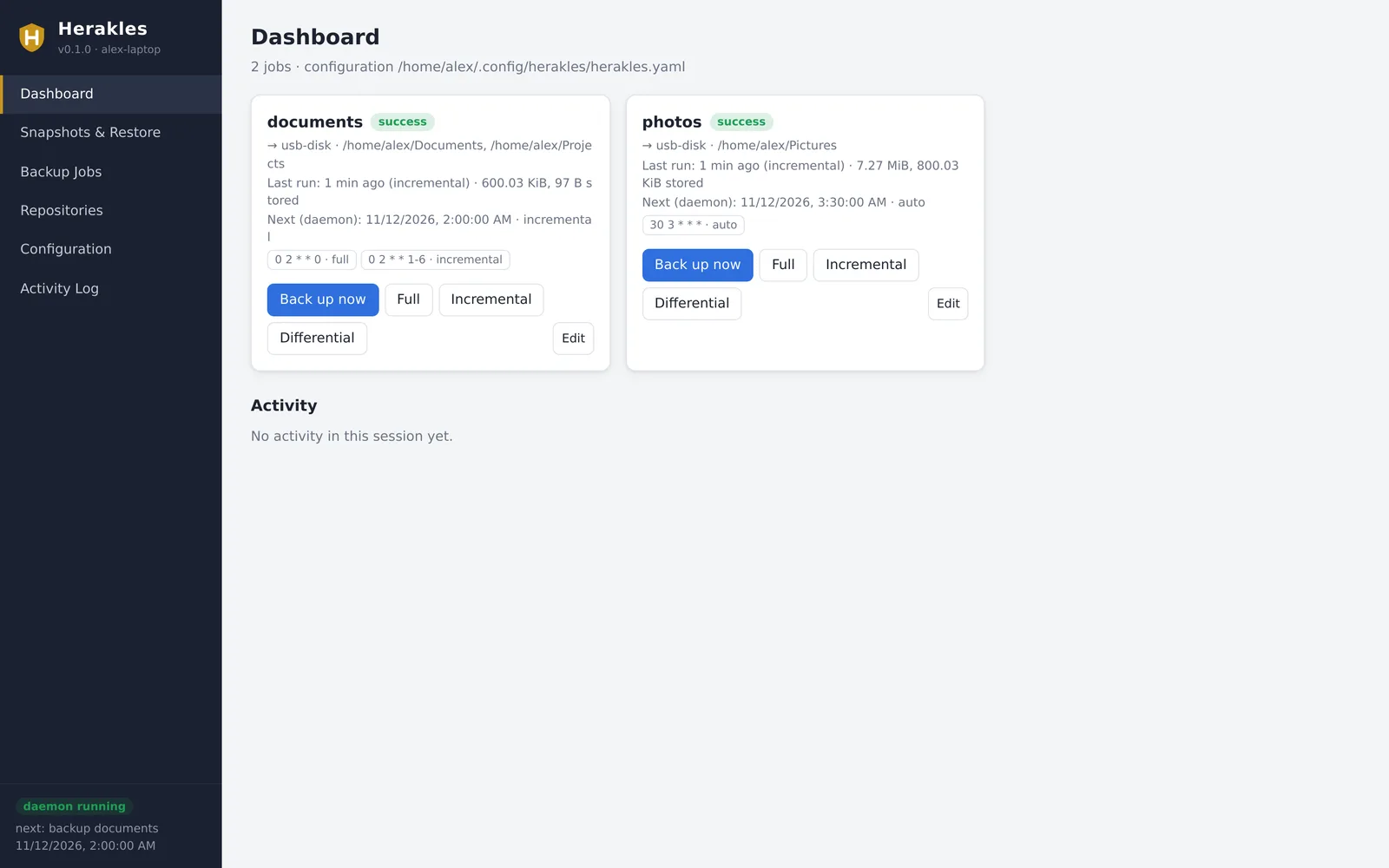
Set it up once with the desktop interface, then let it run quietly in the tray. When you need something back, browse any snapshot like a folder.
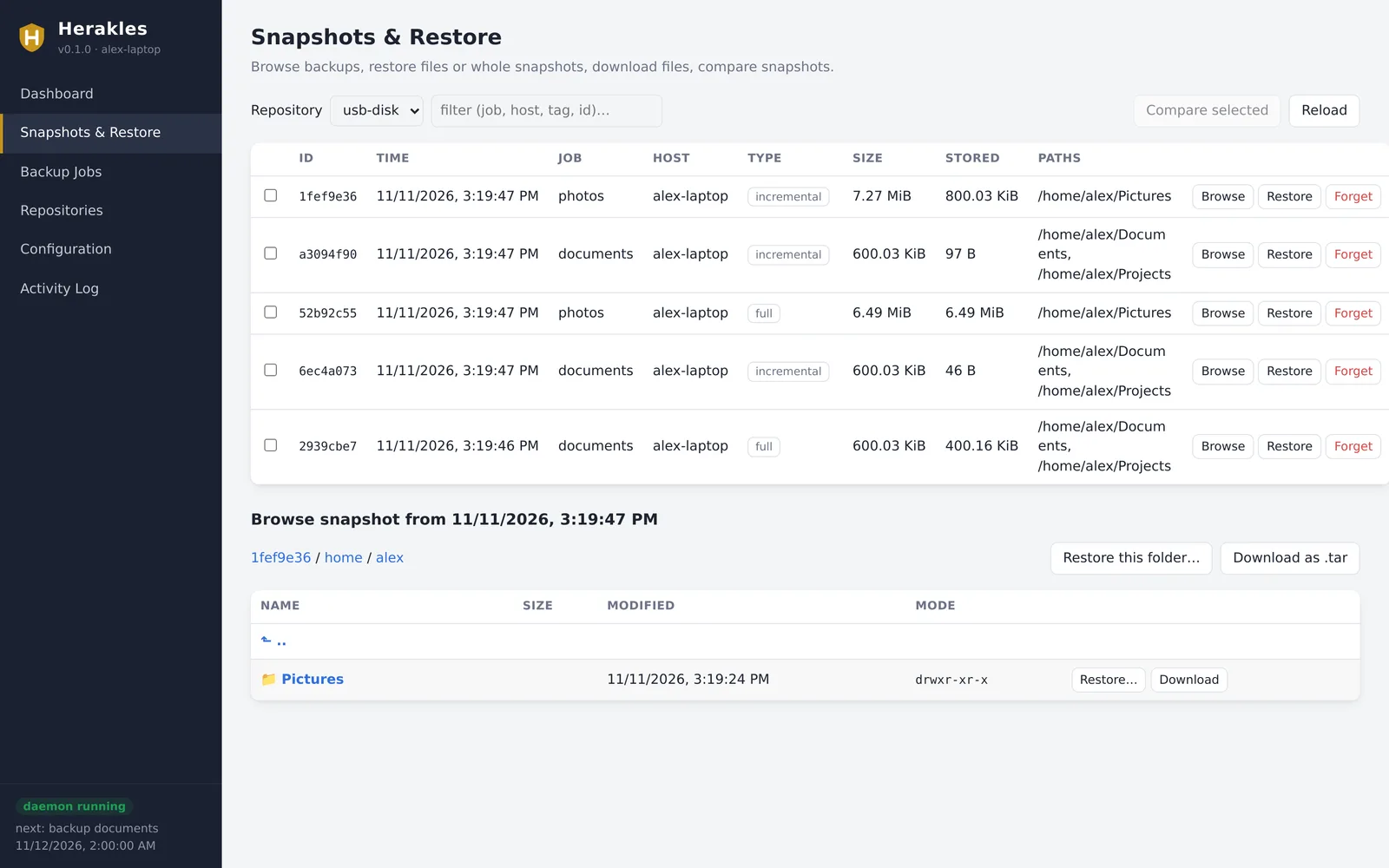
Browse and restore any snapshot
Every backup appears as a complete snapshot. Open one, walk through its folders and restore a single file, a folder or everything, to the original place or somewhere else. You can also download files straight from the browser or compare two snapshots.
Search for a file across all snapshots
Choose how to treat existing files
Optional verification after restoring
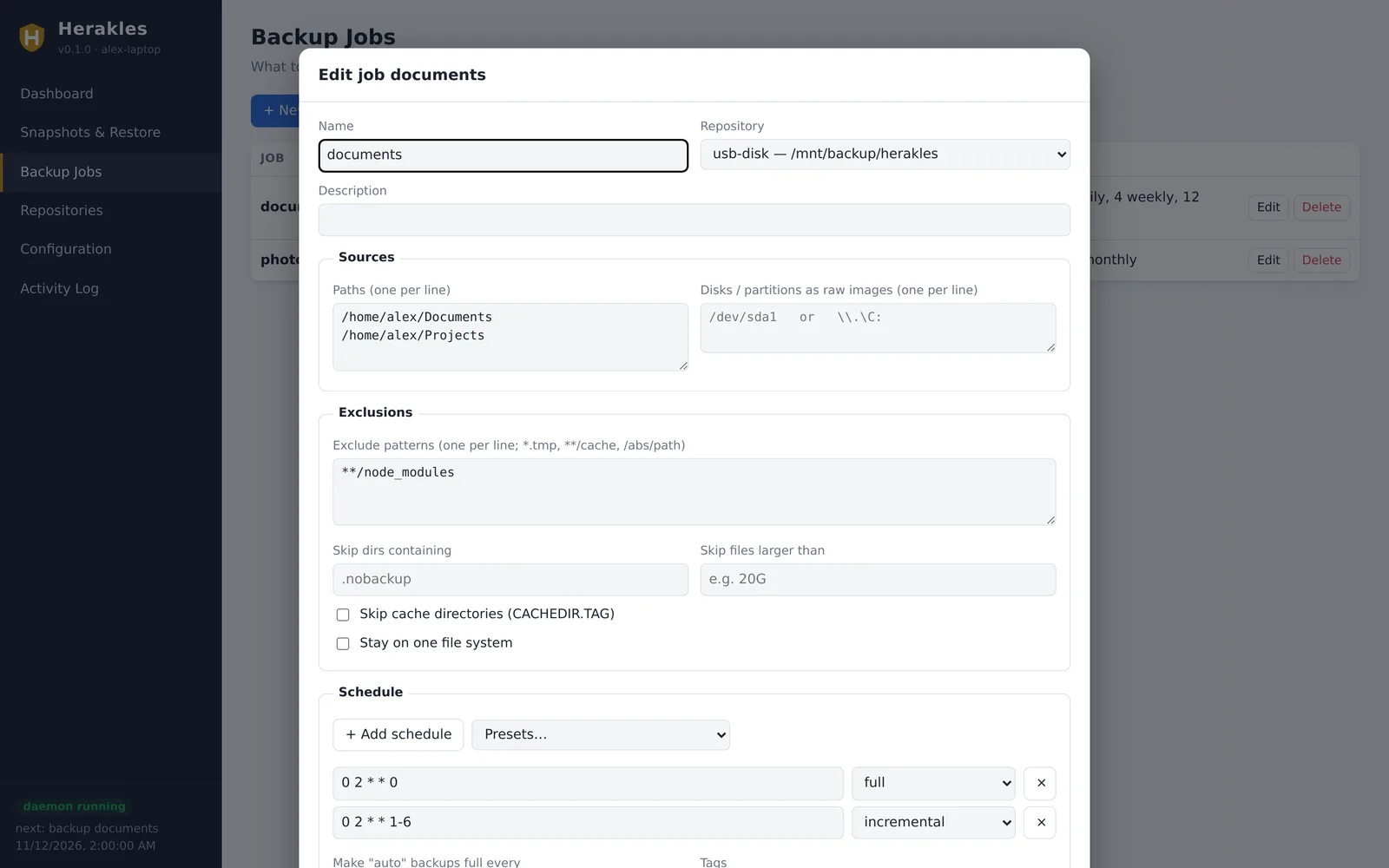
Jobs, schedules and retention in one form
Pick folders or disks, exclusions, when to run which kind of backup and how long to keep what. Presets cover the common cases. Behind the form is a plain YAML file you can also edit by hand.
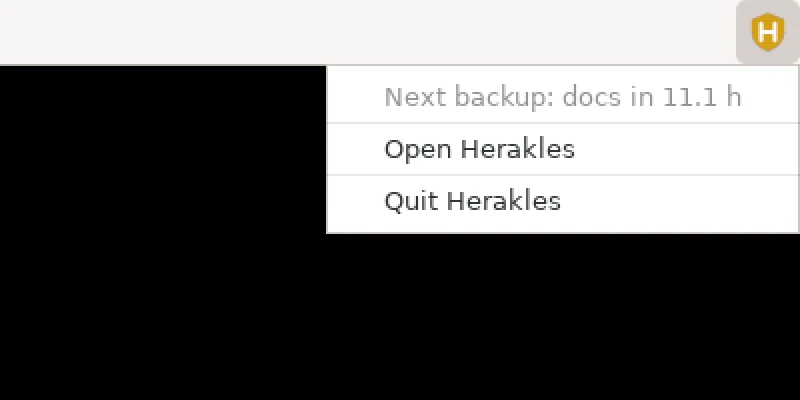
Quietly in your tray
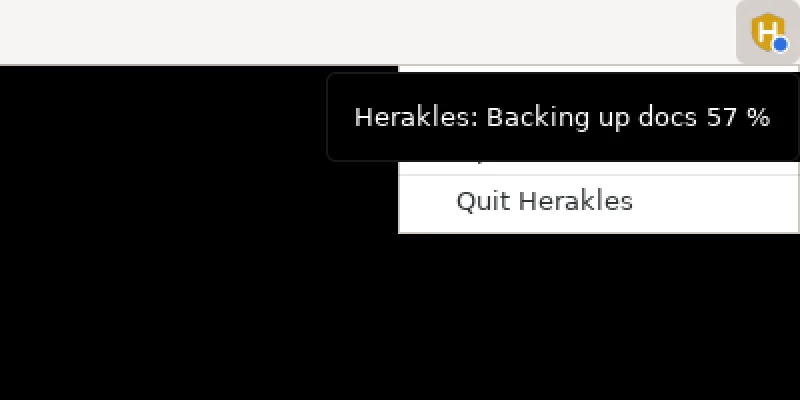
herakles tray runs the scheduler and the interface in the background and puts an icon in the system tray. A coloured dot tells you when a backup runs, when a repository needs its password or when something failed. One setting starts it every time you log in.
A command line that scripts well
Everything the interfaces do is also a command: with --help and examples on every command, --json output and meaningful exit codes. Ideal for servers, cron and automation.
$ herakles backup documents
job documents: incremental backup -> snapshot 39454397 (success)
  files: 12 new, 3 changed, 1189 unmodified (1204 total, 2.10 GiB)
  added: 41.30 MiB of new data, 12.80 MiB stored after compression; took 0:04

$ herakles snapshots --job documents
ID        TIME                 JOB        TYPE         SIZE      ADDED
2939cbe7  2026-11-09 02:00:04  documents  full         2.09 GiB  1.21 GiB
6ec4a073  2026-11-10 02:00:03  documents  incremental  2.09 GiB  9.84 MiB
39454397  2026-11-11 02:00:02  documents  incremental  2.10 GiB  12.80 MiB

$ herakles restore latest:/home/alex/Documents --target ~/recovered --verify
restored 1180 files, 64 directories (1.62 GiB) from snapshot 39454397 to /home/alex/recovered
verified 1180 files
Get going
Your first backup in three steps
The guide walks through it in detail, including the command line way.
Download and start
Download the file for your system and start the desktop interface.
herakles tray --open
Add a repository
Under Repositories, choose where backups go (for example a USB disk or your NAS), pick a password and click Initialize.
Create a job
Under Backup Jobs, choose folders and a schedule preset. Click Back up now, and tick Start in the tray when I log in.
Download
Herakles v0.1.0
One file per platform. There is no installer: download it, make it executable and run it. The same file is the CLI, the interfaces, the background service and the backup server.